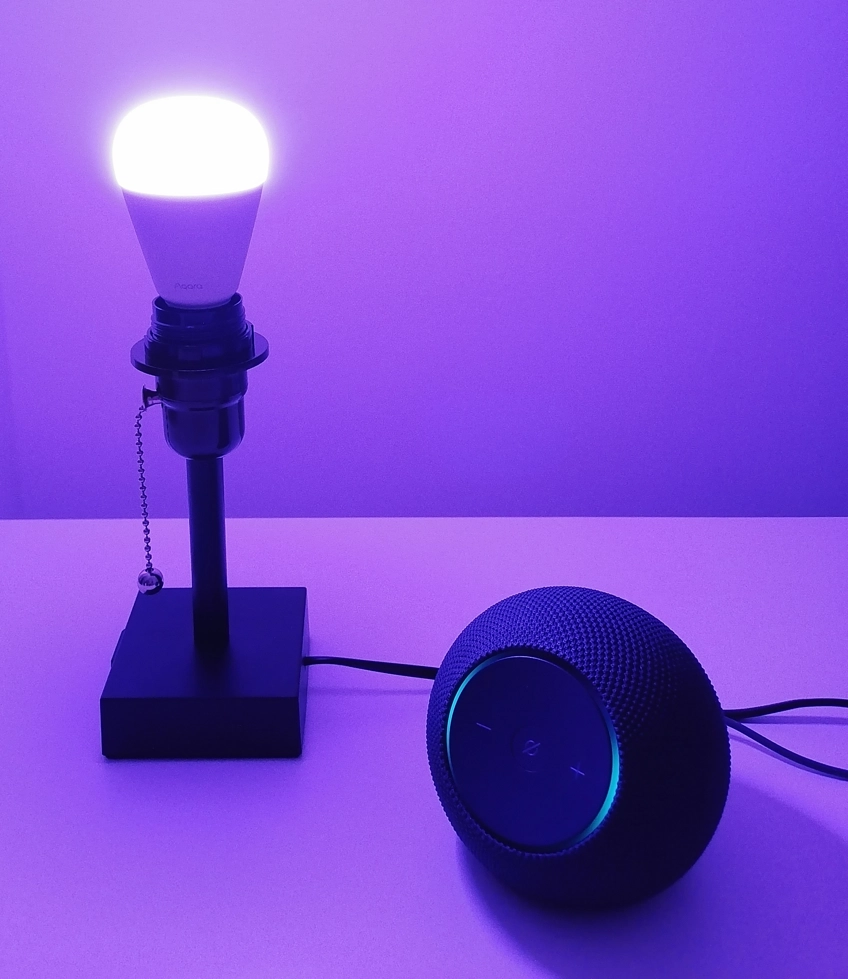
You’ve just unboxed a Matter-over-Thread smart bulb. You screw it in, open the Alexa app, and it’s already there – “Alexa automatically discovered this device”. You didn’t do anything. Something on your network found it first. That something is a Thread Border Router, and there’s a good chance you already own one without realizing it.
What Is a Thread Border Router?
A Thread Border Router is a device that connects a Thread mesh network to the rest of your home network – the same Wi-Fi and Ethernet your phone, laptop and smart TV use. Without one, Thread devices can talk to each other, but they can’t reach your phone, your voice assistant or the Internet.
Think of it this way. Thread creates its own low power wireless network inside your home, separate from Wi-Fi. Your phone doesn’t speak Thread natively. It speaks Wi-Fi. The Border Router sits between those two worlds and routes traffic between them. Commands from your phone or smart home platform pass through the Border Router to reach Thread devices, and status updates travel back the same way.
What is Matter and How Does It Apply Here?
Thread is the low power mesh network. Matter is the application standard that runs on top of it, defining how devices communicate and interoperate. Without a Thread Border Router, Matter-over-Thread devices won’t be reachable from your phone or smart home platform.
Why Thread Devices Need a Border Router
Thread was designed for low power devices like door sensors, motion detectors and smart bulbs. It runs on a different radio standard than Wi-Fi (IEEE 802.15.4 vs. 802.11). That’s what allows Thread devices to run for years on a coin cell battery, but it’s also why they can’t connect directly to your home network.
When you send a command from the Alexa app, the message travels from your phone over Wi-Fi to your home network, then through the Border Router and across the Thread mesh to the device. The response follows the same path back. The whole exchange usually happens in under a second – fast enough to feel instant.
In many setups, that command may also pass through the cloud (for example, via Alexa’s servers) before reaching your home. But once inside your network, it’s the Thread Border Router that handles communication with Thread devices.
If your Internet connection drops, app control and voice commands may stop working depending on your setup. But local control can still work. A smart switch or local automation can send commands directly through the Border Router to the Thread network without needing the Internet.
You Probably Already Own One
Thread Border Router capability is built into a growing number of smart home devices that people already own. You don’t necessarily need to buy a dedicated hub.
On the Amazon side, common devices with built-in Thread Border Routers include Echo (4th gen), Echo Dot Max, Echo Show 10 (3rd gen) and Echo Studio (2025 model). Apple covers HomePod mini (2020 and later), HomePod (2nd gen) and Apple TV 4K (2021 and later). Google offers the Nest Hub (2nd gen) and Nest Hub Max. Samsung SmartThings Station also includes Thread Border Router support.
The catch is that not every Echo or Nest device qualifies. It’s model-specific. A standard Echo Dot (5th gen), for example, does not include a Thread Border Router, while the Echo Dot Max does.
Thread Border Router vs. Hub: What’s the Difference?
These terms get used interchangeably, but they mean very different things. A hub is a broader concept. It’s a device that manages a group of smart home products, often providing app control, automations and cloud connectivity. A Thread Border Router has one specific job – bridging the gap between Thread and IP networks.
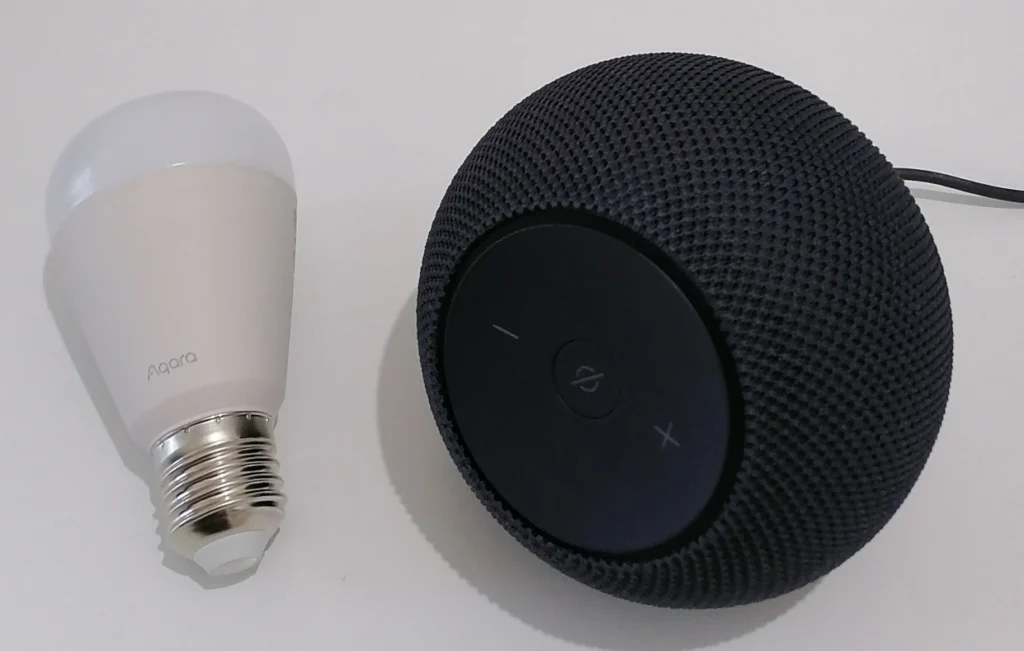
Many devices do both. A HomePod mini acts as a Thread Border Router and as an Apple Home hub simultaneously. An Echo Dot Max handles Thread Border Router duties while also serving as an Alexa voice controller and smart home hub. But the Thread Border Router function is distinct from the hub function. It’s purely about network connectivity, not about managing devices or running automations.
An older Zigbee hub like a SmartThings hub or a Philips Hue Bridge is not a Thread Border Router. It bridges Zigbee devices to your network, but Zigbee and Thread are different protocols. A device needs special Thread radio hardware to function as a Thread Border Router.
Thread Border Router vs. Matter Controller: Are They the Same?
Not quite, though they often live in the same device. A Matter Controller manages Matter devices. It commissions them, stores their credentials, runs automations and handles commands. A Thread Border Router handles the network layer. It bridges Thread traffic to your IP network.
When you add a Thread bulb to the Alexa app, your Echo Dot Max is acting as both a Matter Controller (managing the device within your Alexa ecosystem) and a Thread Border Router (providing the network path for Thread traffic). These are two separate roles that happen to be bundled in the same hardware.
This distinction matters when troubleshooting. If a Thread device won’t commission, the issue might be with the Matter Controller flow in your app. If it commissions but responds slowly or drops offline, the issue is more likely network related, such as the Thread Border Router’s range or reliability.
What Happens If You Don’t Have One?
Thread-only devices won’t be reachable from your phone or smart home platform without a Thread Border Router on your network. In practice, commissioning may fail, or the device may appear in your app but remain unresponsive.
Some devices support both Matter over Thread and Matter over Wi-Fi, giving you an alternative if you don’t yet have a Thread Border Router. The Aqara LED Bulb T2 takes a slightly different approach. It supports Thread and Zigbee, operating in one mode at a time. In Thread mode, it connects via Matter through a compatible smart home device (such as an Echo or HomePod) without requiring a dedicated hub. In Zigbee mode, it requires an Aqara hub. Not sure whether you already have a Thread Border Router? Check the device’s spec sheet for “Matter over Wi-Fi” support before purchasing. That gives you flexibility while you build your Thread infrastructure.
Setting Up a Thread Device: A Real Life Walkthrough
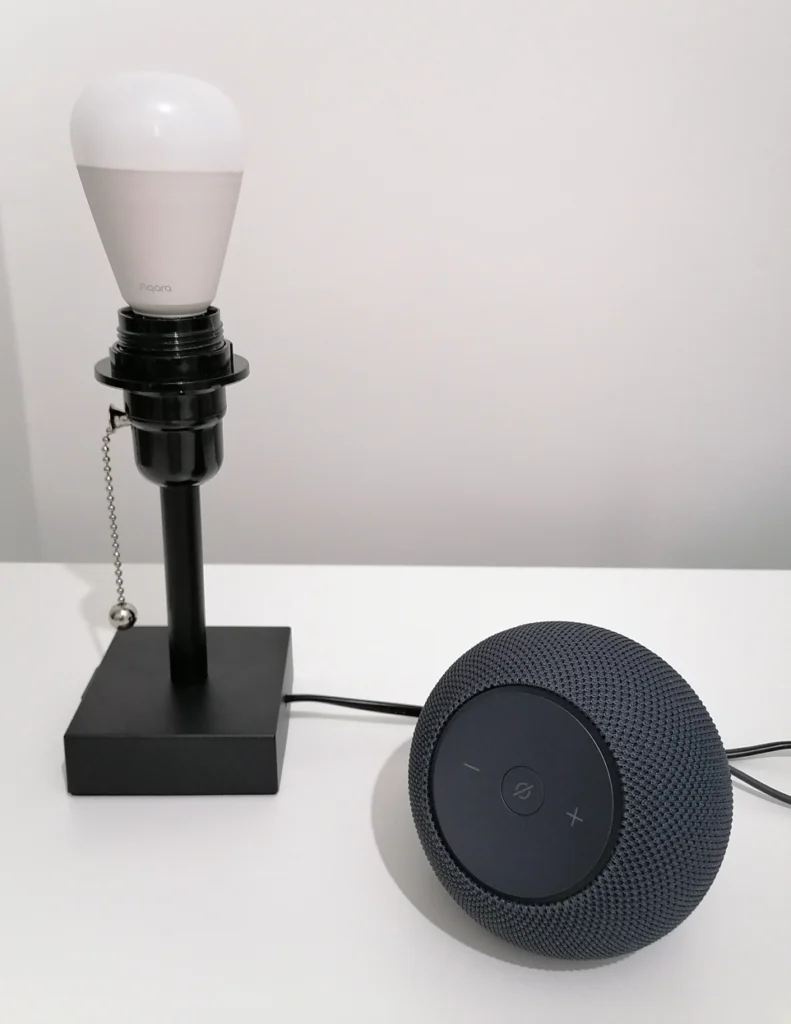
To show what Thread Border Router commissioning actually looks like in practice, I added an Aqara LED Bulb T2 (RGB, Thread/Zigbee dual protocol) to my Alexa setup using an Echo Dot Max as the Thread Border Router. The T2 defaults to Thread mode out of the box, which made it the right test device for this.
Tested with: Aqara LED Bulb T2 RGB, Amazon Echo Dot Max (Thread Border Router)
Step 1: Auto-Discovery
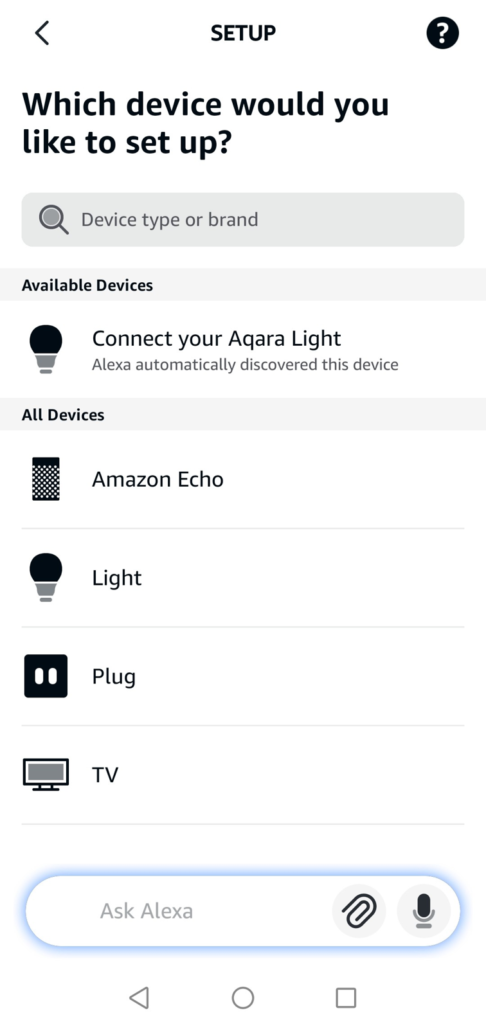
Before I even opened the setup flow, the Alexa app had already found the bulb. The “Available Devices” section at the top of the Add Device screen showed “Connect your Aqara Light – Alexa automatically discovered this device”. I hadn’t initiated anything. The Echo Dot Max had already detected the bulb advertising itself for Matter commissioning.
Step 2: Matter Logo Confirmation
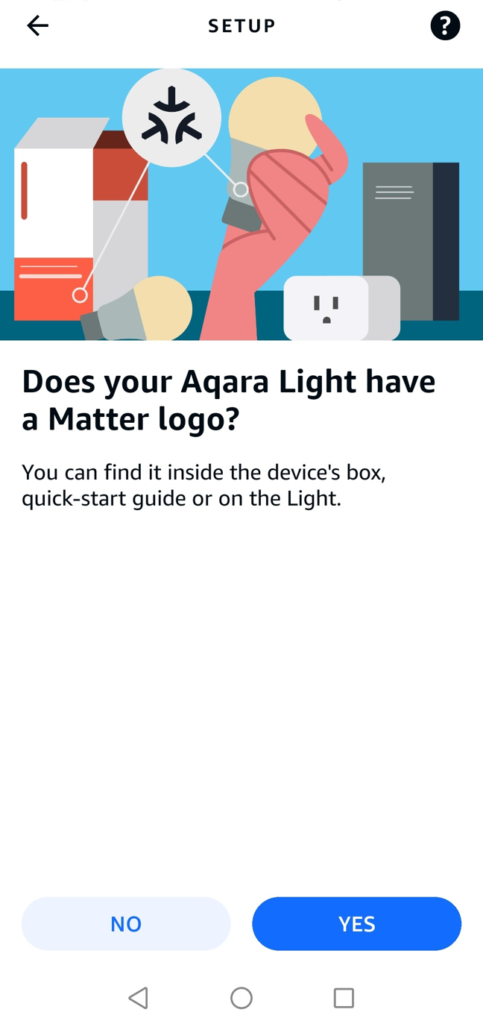
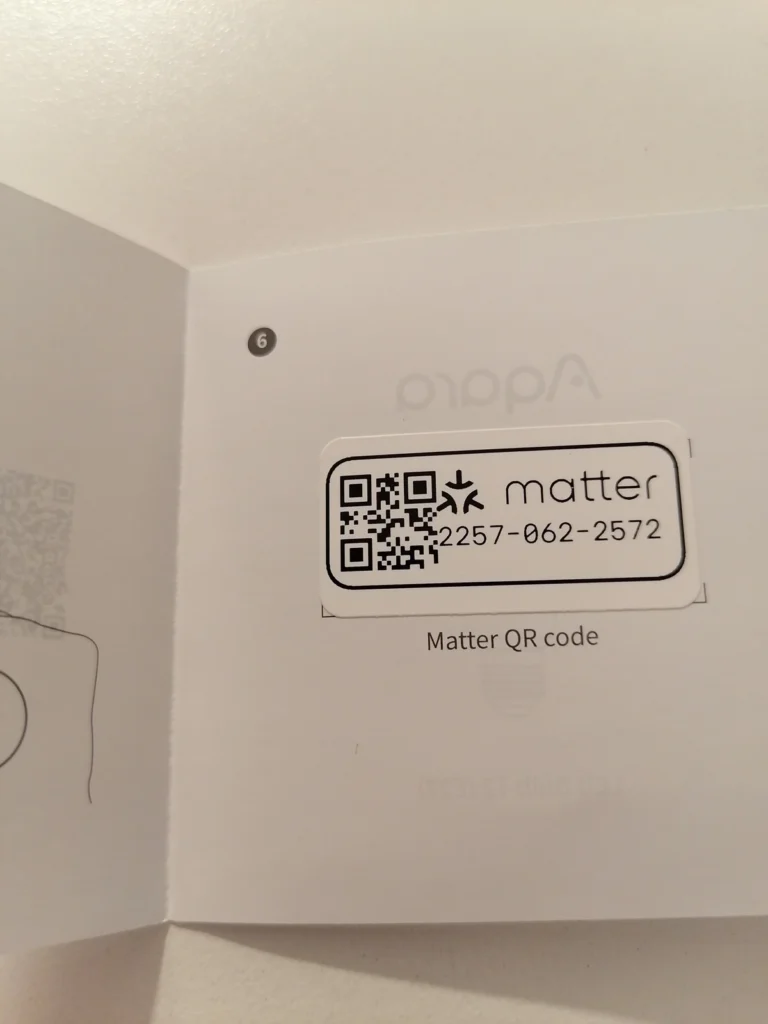
Alexa asked whether the Aqara Light had a Matter logo, confirming it was treating this as a Matter device rather than routing it through a standard Zigbee or cloud-based connection. The Matter QR code in the Aqara quick-start guide was the next step.
Step 3: Pairing Mode and the Power Cycle
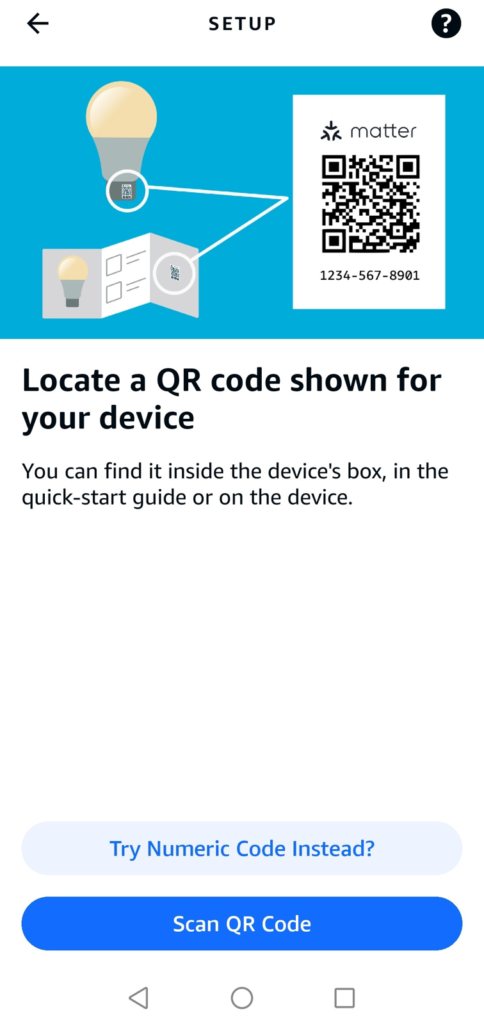
After scanning the QR code, Alexa displayed a generic “Put your device in pairing mode” screen. This is where the real world experience diverges from the ideal Matter flow. For the Aqara T2 specifically, “pairing mode” means power cycling the bulb five times in quick succession – off and on, repeatedly – until it flashes to signal it’s entered its Matter commissioning window. The Alexa app doesn’t tell you this. It shows a generic screen that isn’t specific to bulbs at all.
This is worth knowing before you start. The T2 needs to be in an active commissioning state before the app can find it, regardless of whether you use the QR code or the numeric setup code. Once the bulb flashed and I hit “Connect”, Alexa took over.
Step 4: Network Connection
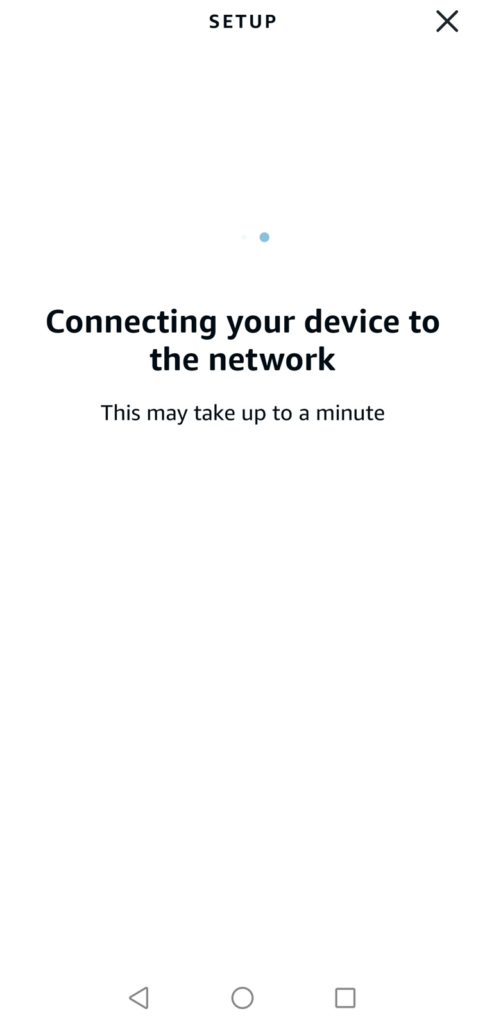
The “Connecting your device to the network” screen appeared and stayed visible for around 30-40 seconds. This is longer than a typical Zigbee pairing, but expected. During this time, the Echo Dot Max is securely passing Thread network credentials and setup information to the bulb while it joins the Thread mesh. It’s not a delay to worry about – it’s simply the commissioning process doing its job.
Step 5: Connected
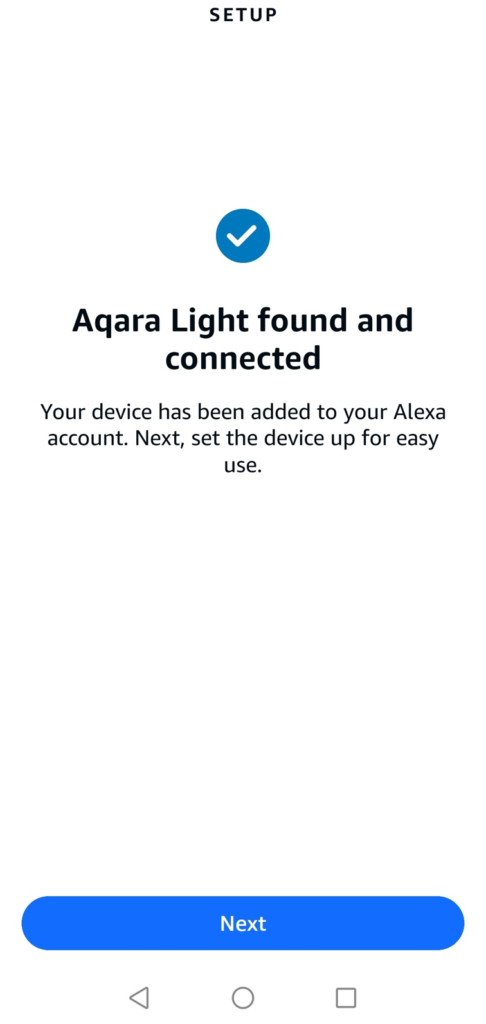
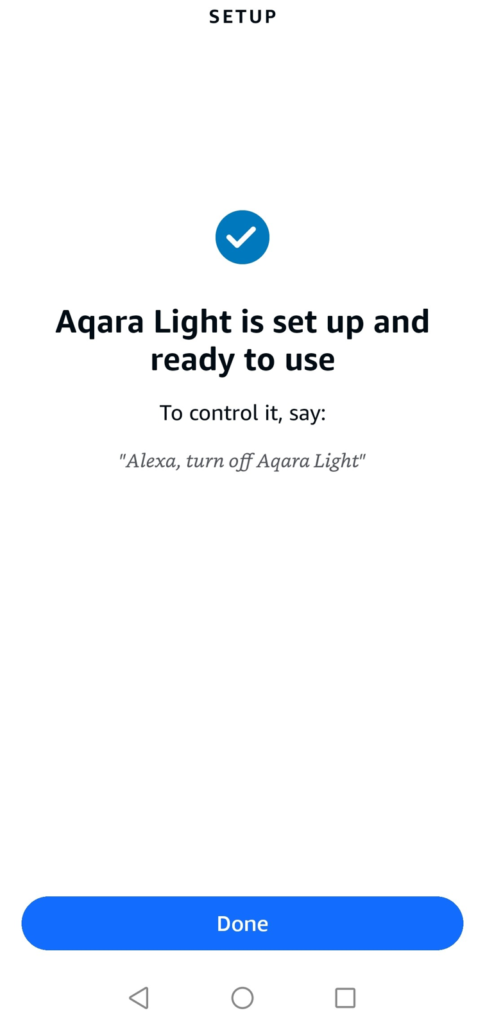
“Aqara Light found and connected” – the bulb was added to my Alexa account on the first attempt, without errors or retries.
What the Alexa App Does and Doesn’t Tell You
Once the bulb was added, the device settings page showed something important – “Connected Via Dwayne’s Echo Dot Max”. This strongly suggests the bulb is routing through the Echo Dot Max rather than connecting over Wi-Fi or through a cloud skill. It’s the clearest indicator the Alexa app provides that your Thread Border Router is actively involved.
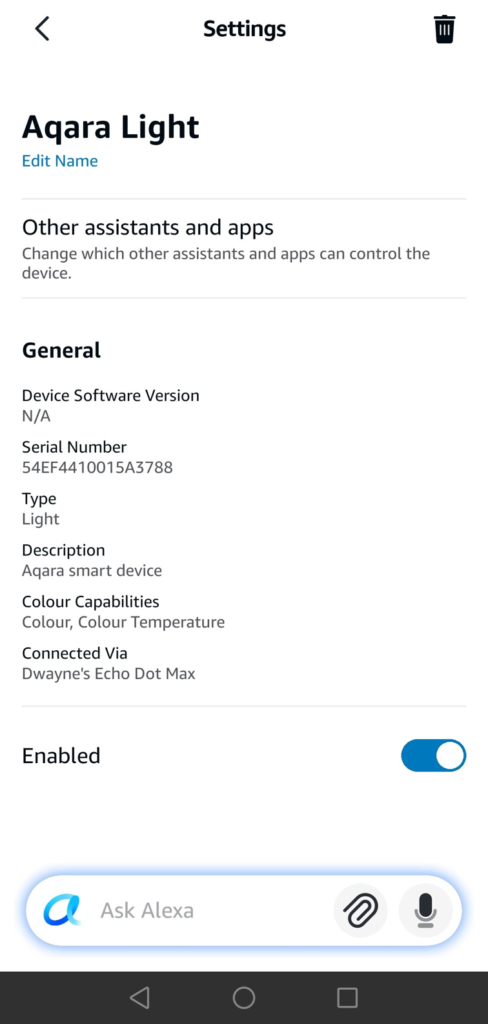
The settings page also shows an “Other assistants and apps” option – the ability to share this device with another ecosystem like Apple Home or Google Home without re-pairing. This is Matter’s Multi-Admin feature, and it’s one of the clearer signs you’re dealing with a Matter device. A standard Zigbee device paired through the same Echo Dot Max would not show this option. Combined with the Matter logo confirmation during setup and the commissioning flow itself, this is strong evidence the bulb is operating as a Matter device through the Echo Dot Max as its Thread Border Router.
What Alexa doesn’t tell you is which protocol, Thread or Wi-Fi, is carrying the traffic. Amazon doesn’t expose Thread topology information to end users, so there’s no screen that definitively says “this device is using Thread”. The Aqara T2 defaults to Thread mode out of the box and was never switched to Zigbee mode during this setup, so the evidence points strongly to Thread – but it’s worth being honest that the Alexa app itself doesn’t confirm this explicitly.
Can You Have More Than One Thread Border Router?
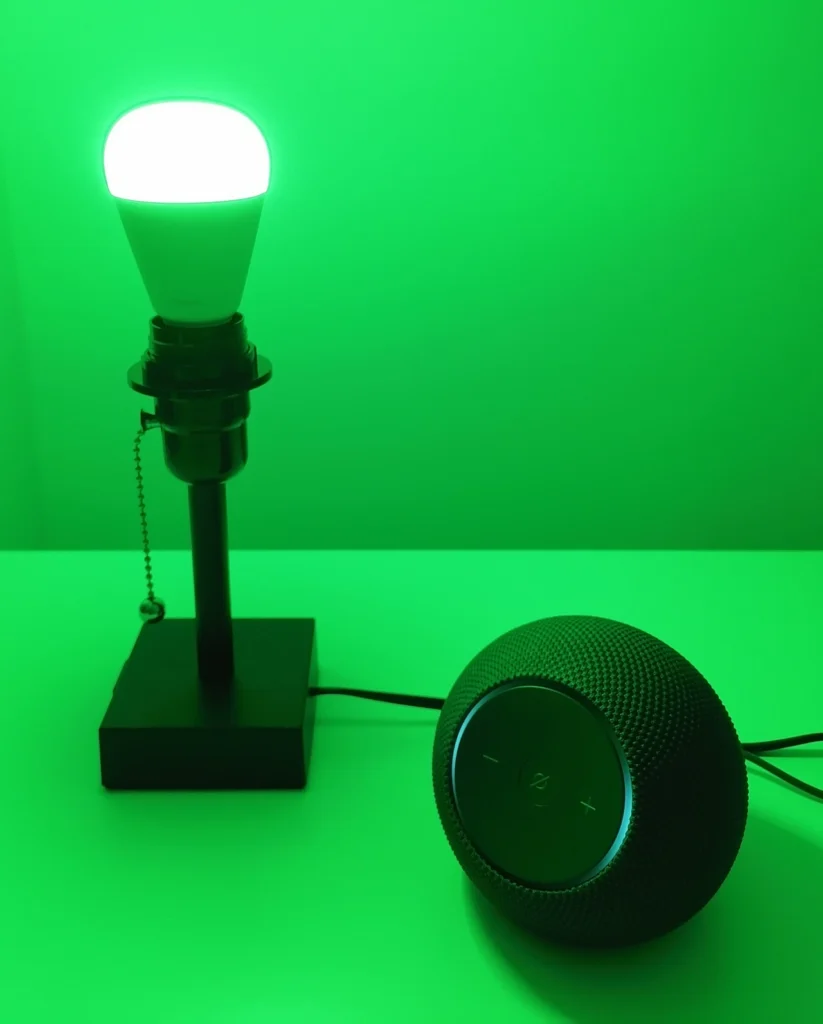
Yes, and having multiple is generally an advantage. Thread networks support multiple simultaneous Border Routers, and the protocol handles the coordination automatically. If you have an Echo Dot Max in the living room and a HomePod mini in the bedroom, both can serve as Border Routers for the same Thread network, providing redundancy and better coverage across your home.
Thread 1.4 introduced Thread Credentials Sharing, which improves how Border Routers from different ecosystems (Amazon, Apple, Google) share network credentials and join an existing Thread fabric rather than each creating their own. In practice, mixed ecosystem Thread networks have historically been less predictable than single-ecosystem setups, and real world behavior still depends on vendor implementation and firmware maturity. If you’re running Border Routers from multiple brands, keeping them updated is more important than in single-ecosystem setups.
What to Look for When Buying
If you’re purchasing a device to serve as a Thread Border Router, three things are worth confirming. First, Thread Border Router support listed explicitly in the specs. “Matter compatible” alone could mean Matter over Wi-Fi only. Second, the model number rather than just the product family. Third, whether the device also functions as a Matter Controller for your preferred ecosystem.
For most Alexa users, an Echo (4th gen) or Echo Dot Max they already own is the simplest starting point. Apple users are well served by the HomePod mini. If you’re starting from scratch and want Thread built into your network, an eero Pro 6 or later also includes Thread Border Router support, giving you both Wi-Fi coverage and Thread infrastructure in a single device.
One thing worth checking before buying Thread end devices is whether they support Matter over Thread specifically, not just Thread as a protocol. Some devices use Thread for local mesh communication within a proprietary ecosystem but don’t expose it through Matter. The Aqara T2 clearly labels both its Thread mode (Matter-compatible, no hub required) and its Zigbee mode (Aqara hub required) in the product listing. That level of transparency is what to look for.
The Thread That Ties It Together
Thread Border Routers don’t show up in your device list, and they don’t ask for your attention. They sit between your network and your devices, quietly handling the traffic that makes everything else work.
Once you know they’re there, a lot of smart home behaviour starts to make more sense – why one device responds instantly, another drops offline, or why some setups keep working when the Internet doesn’t.
The next time a device appears before you even start setup, you’ll know it didn’t happen by accident.
For a deeper look at how Thread works as a protocol (including mesh networking, device roles and power efficiency), see my complete Thread protocol guide. For the broader Matter standard and how Thread fits into it, the Matter protocol guide covers platform support, version history and getting started.